![Ritter Communications all white (no background).png]](https://help.rittercommunications.com/hs-fs/hubfs/Logos/Ritter%20Communications%20all%20white%20(no%20background).png?height=39&name=Ritter%20Communications%20all%20white%20(no%20background).png)
ESPN Unlimited is now included at no additional cost for Ritter residential customers whose TV subscription package includes ESPN. Customers who already have ESPN included in their TV package will automatically gain access to ESPN Unlimited.
- Go to WatchTVEverywhere and log in to your account.
- To activate ESPN Unlimited, click on the "Activate ESPN Unlimited Now! Click Here"
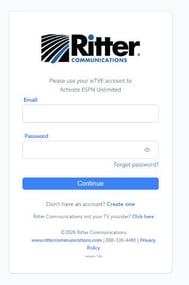
- You will be prompted to enter your WatchTVEverywhere credentials.
- On the following screen, click "Agree and Activate."
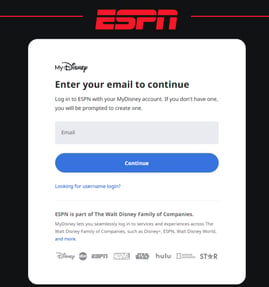
- If you have a MyDisney account, enter the email associated with that account. If you do not have a MyDisney account, enter your email address to create an account.
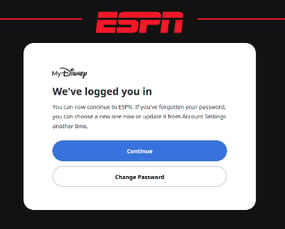
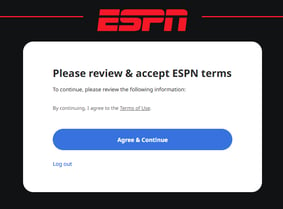
- The logged in screen will appear, followed by the review and accept ESPN terms page.
- You will then be automatically signed in to ESPN Unlimited.